Maximize Your Development Efficiency with Zoho CRM Integration Techniques
Samira Khoury
December 3, 2025
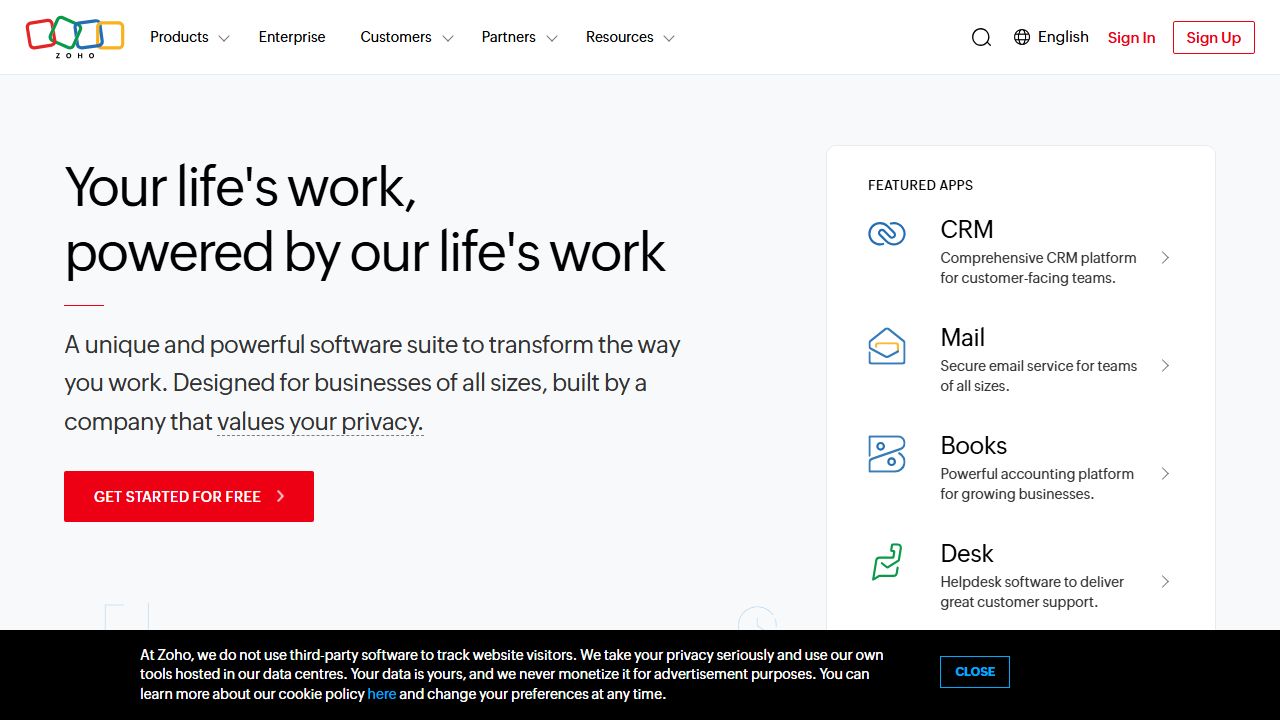
Zoho CRM: A Developer's Perspective on the Complete Business Platform
What is Zoho CRM?
As a developer who's implemented countless CRM solutions over the past 15 years, I can confidently say that Zoho CRM stands out as a comprehensive customer relationship management platform. It's more than just a contact database - it's a full-featured business operating system that includes sales automation, marketing tools, and extensive API capabilities. What makes it particularly interesting for developers is its robust customization options and integration capabilities. I've found it especially valuable for teams that need to build custom workflows and automate complex business processes.
Key Features and Capabilities
Advanced Customization Engine
The platform offers deep customization options through its Developer Console. I've used this to create custom modules, fields, and buttons that perfectly match specific business requirements. The Blueprint feature lets you design complex workflow rules without writing a single line of code.
API Integration Framework
The REST API is particularly well-documented and supports both XML and JSON formats. I've successfully integrated Zoho CRM with various third-party applications, and the rate limits are quite generous - up to 25,000 API calls per day for enterprise users.
Automation Tools
The workflow automation engine is powerful enough to handle complex business logic. I've implemented multi-condition workflows that trigger based on field updates, time-based actions, and cross-module dependencies.
Analytics and Reporting
The custom report builder includes real-time analytics and customizable dashboards. What impressed me most is the ability to create complex pivot tables and cross-module reports without SQL knowledge.
Getting Started
- >Sign up for a free trial at Zoho.com
- >Configure your basic organization settings:
- >Set up user roles and permissions
- >Customize your pipeline stages
- >Define custom fields and modules
- >Import your existing data using the Data Import Wizard
- >Set up essential automation:
- >Create basic workflow rules
- >Configure email templates
- >Set up web-to-lead forms
- >Install the mobile app and configure notifications
Pro tip: Start with the standard features before diving into customizations. I've seen too many teams overcomplicate their initial setup.
Real-World Use Cases
Custom Sales Pipeline Management
I implemented Zoho CRM for a software company that needed a unique sales process. We created custom modules for product demos, technical evaluations, and security reviews. The Blueprint feature helped us enforce the correct sequence of steps and automate handoffs between teams.
Multi-Channel Customer Support
For a retail client, we integrated their support channels (email, phone, social media) into Zoho CRM. The unified view of customer interactions dramatically improved response times and customer satisfaction.
Pros and Cons
Advantages:
- >Extensive API capabilities with good documentation
- >Powerful customization options without coding
- >Excellent value for features provided
- >Strong mobile app implementation
Limitations:
- >Learning curve can be steep for advanced features
- >Some integrations require technical expertise
- >UI can feel dated compared to newer alternatives
How It Compares to Alternatives
Compared to Salesforce, Zoho CRM offers better value for small to medium businesses while maintaining robust features. HubSpot CRM might have a more modern interface, but Zoho's customization capabilities are superior. Microsoft Dynamics is more expensive and complex, making Zoho a more practical choice for most organizations.
Pricing and Value
Zoho CRM offers multiple tiers:
- >Standard: $14/user/month
- >Professional: $23/user/month
- >Enterprise: $40/user/month
- >Ultimate: $52/user/month
Based on my experience implementing various CRM solutions, Zoho provides excellent value, especially considering the included features and API access.
Final Verdict
After working with Zoho CRM for over a decade, I highly recommend it for organizations that need a customizable, feature-rich CRM without enterprise-level pricing. It's particularly well-suited for businesses with unique workflows or those requiring extensive integration capabilities. The development tools and API access make it a solid choice for teams that need to build custom solutions.
$ open --external
Visit Zoho CRM→